



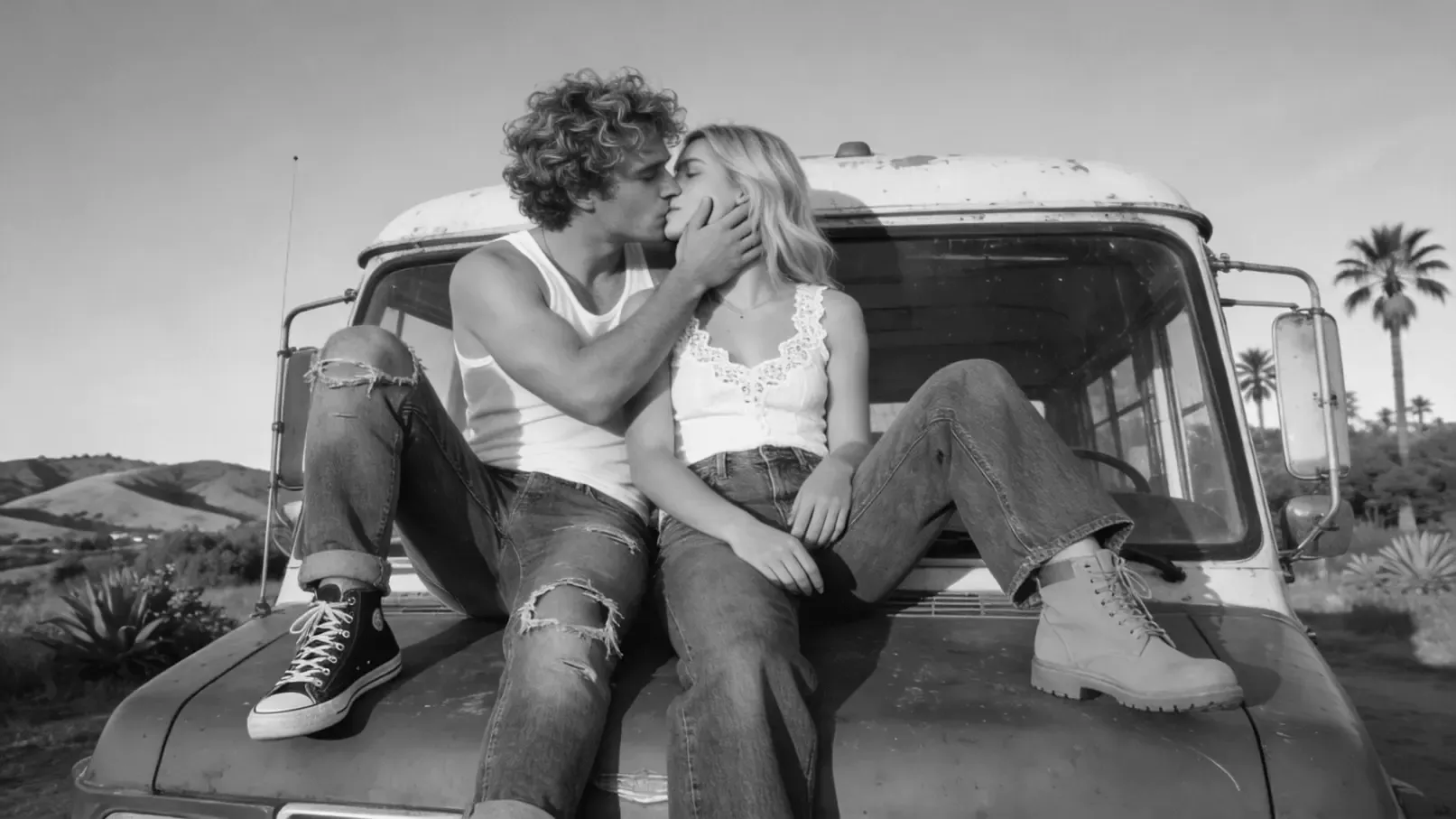


Colorize Old Photo Online for Free with AI Power
EaseUS applies advanced AI models that can recognize different objects, including people, landscapes, pets, etc, then adds natural and vivid colors to your photos.
With this AI-powered image colorizer, you don't need photo editing skills, and you just need to upload black & white pictures or old photos, and let our smart colorization engine transform them into a colorful memory in seconds.
Colorize Black and White Photos Without Watermark
With EaseUS Image Colorizer, you can convert black and white photos to color online on Mac or Windows instantly, without downloading desktop software. This online old image colorizer can colorize black-and-white photos on Mac/Windows, and add color to old family photos and historic images, or bring an old film back to life with colorization.
With the EaseUS free image colorize tool, you can transform your old black and white photos into bright, colorful, and realistic images without requiring any professional Photoshop skills.
Add Vivid Colors to All Kinds of Old Photos
Have different kinds of photos to colorize? Don't worry! EaseUS AI image colorizer can restore old photos and add colors to historical photos, vintage portraits, family photos, scenic landscapes, etc, and this free colorizer can bring all your faded photos back to life!
It can work perfectly on all kinds of old images, automatically adding realistic colors while preserving sharp details, and make them look vibrant, warm, and full of emotion again.
Enhanced Image Quality After Colorization
Do you also want to enhance your images after image colorization? In addition to adding vibrant, realistic colors to fading or black-and-white photographs, EaseUS AI Image Colorizer sharpens details, boosts contrast, and improves overall clarity, giving every image a beautiful, vibrant appearance.
By analyzing various image types, the sophisticated AI technology can give them a revitalized, clear, and vivid appearance while maintaining every detail.
Automatic Scratch Removal for Old Black-and-white Photos
Are you worried about the scratches on your priceless pictures? While coloring your photos, EaseUS AI Image Colorizer can automatically identify and repair minor tears, scratches, or imperfections.
This ensures uploaded images are seamlessly and organically colorized, preserving their emotional core and historical charm while making every memory appear perfect, vibrant, and full of life.
User Guide: EaseUS Online Image Colorizer
Why Choose Fixo AI to Colorize Images?


What Our Users Say?


Colorize Photos Online FAQs
EaseUS image colorizer is a top choice, offering a free online tool with a high-quality, natural colorization feature that utilizes advanced AI algorithms, with no signup required. You can turn black and white images to color with this colorizer with one click.
Find a black and white to color photo converter powered with AI. Once you have uploaded images to the AI image colorizer, the advanced AI technology will analyze the image, apply realistic colors based on trained datasets, and generate a colorized version in seconds. Your faded family photos and black-and-white images can be vivid again.
AI colorizers like EaseUS uses deep learning algorithms trained on vast datasets of color and grayscale images. It can recognize patterns, textures, and contextual clues to apply accurate colors.
It's 100% free! EaseUS AI image colorization is a free service that can colorize, remove cratch from old photos and enhance the uploaded images in minutes.
Yes! Tools like EaseUS image colorizer offers free colorization with no signup. Besides EaseUS, there are many other tools that can colorize black-and-white images for free, but some may have usage limits (e.g., image size/resolution), but core features remain accessible.
Yes, you can use EaseUS photo colorizer on various devices, including Windows/Mac computers and Android/iOS mobile phones.
It depends. Commonly, EaseUS will process your uploaded photos in seconds to minutes. High-resolution images or batch processing may take slightly longer.
Yes, the AI we use is designed to work with low-resolution images. It intelligently analyzes the content to add color. We'll also automatically unblur images if your uploaded photos are blurry, which gives a much sharper and more detailed final picture.
The AI model we chose was trained on millions of historical color images, learning how objects and scenes are naturally colored. Thanks to all the training, EaseUS Online Image Colorizer can apply authentic, realistic tones that match the era and content on your black and white photos.
Yes, if the picture you uploaded is in a low-resolution, pixelated, or blurry condition, the AI will automatically add details and enhance photos online for you. This all-in-one approach brings your old pictures fully back to life.
Yes. If there are obvious scratches or cracks on your uploaded images, the image colorization process with our tool can help you remove the scratches from the old photos and then colorize them for you. The entire process is handled seamlessly online through your web browser.
Yes, our AI colorizer can add creative colors to the uploaded sketch or pencil drawing. The output can produce a drawing with a painted appearance, and your sketches can reserve the details.
Don't worry, your personal information will not leak on our website. We take your privacy seriously. Uploaded images are encrypted and stored on secure servers for a short, temporary processing period.
If you are not proficient in using professional image editors like Adobe Photoshop or Lightroom, it's not recommended to colorize black and white photos manually. You'll need to create color layers and carefully paint over different areas using a brush set to 'Color' blend mode.
EaseUS photo colorizer uses advanced object recognition to understand boundaries within the image. It identifies distinct elements like hair, skin, clothing, and backgrounds, applying color selectively to stay within these defined edges. This smart segmentation is key to preventing colors from bleeding incorrectly.