
Fixo Logo
Projects
Display
Image
Drag or upload images
Supports all formats
Upscale To
x2
x4
Model
Before
After
Improve Image Quality, Increase Size and Resolution

Improve Image Quality, Increase Size and Resolution

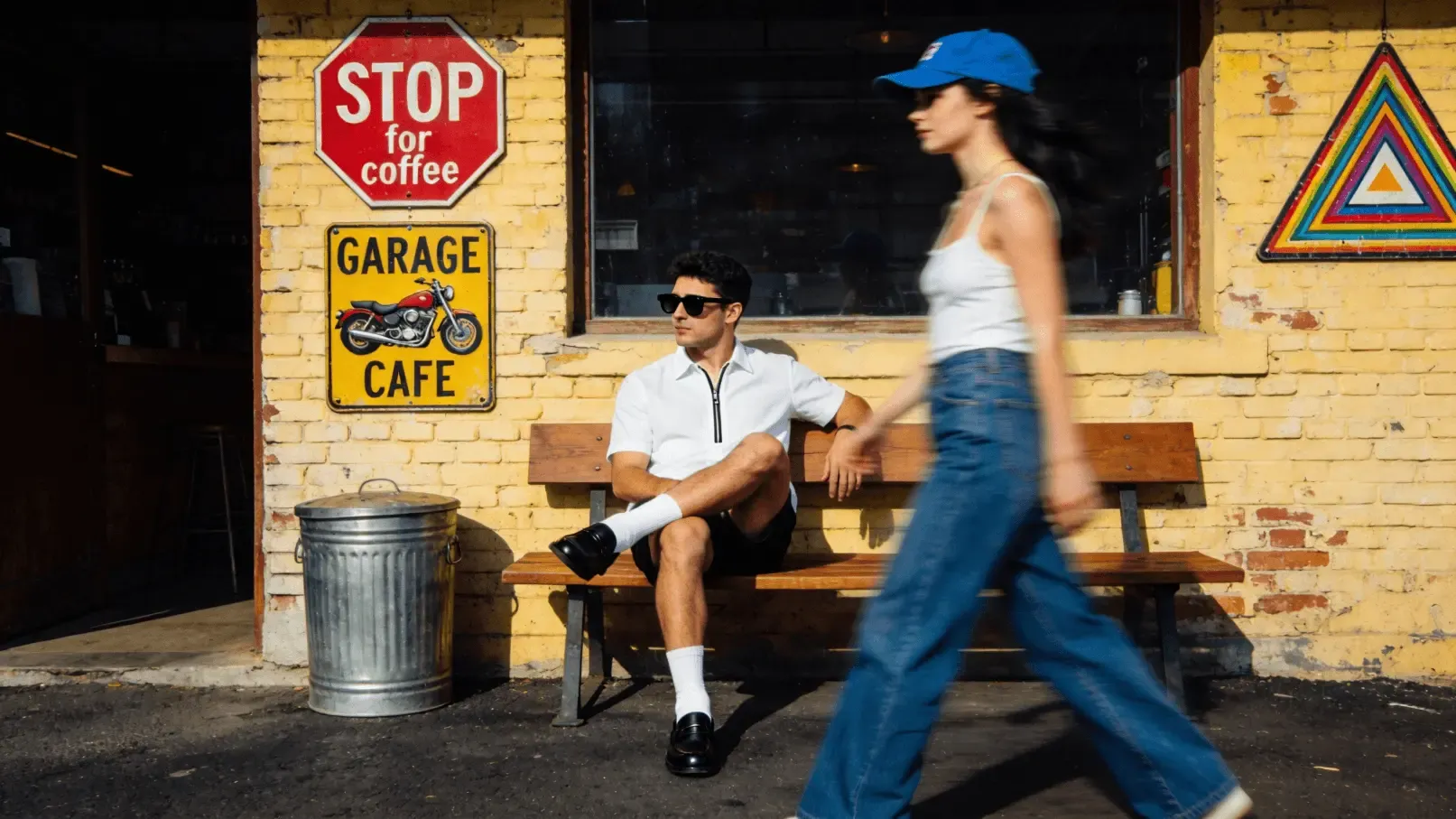
Need to enlarge small images but worried about losing quality? AI Image Upscaler online tool boosts resolution while enhancing details! EaseUS' free online tool intelligently increases image size without blurring or pixelation.

Enhance image resolution and increase size to 2x, 4x, or even 6x without losing quality, and turn low-resolution images into sharp, high-definition masterpieces - all with one click!
Try It Free
Before
After
Elevate with AI-Powered Image Upscaler Online

Elevate with AI-Powered Image Upscaler Online

Tired of blurry, pixelated images? Elevate photo visuals with EaseUS AI-Powered Image Upscaler to magically upscale images while refining textures and edges.

EaseUS' AI creative gives your image a more expressive texture. Not only does it increase the resolution, but it also allows AI to creatively add new details and visual features.
Try It Free
Before
After
Image Upscaler Online Free, Download Without Watermark

Image Upscaler Online Free, Download Without Watermark

Want to upscale images freely with no watermarks? EaseUS Image Upscaler online tool delivers for free! Enlarge photos 2x, 4x, or even 6x without losing quality- all completely watermark-free.

Fix pixelation, sharpen details, and get print-ready results in seconds. Try the ultimate no-strings-attached upscaling now and download the upscaled image without a watermark!
Try It Free

User Guide: EaseUS Online Image Upscaler

Choose Photos
Before Upscale
Step 1. Upload Your Photos
Upscale Photos
Before Upscale
Step 2. Click to Upscale with AI
Download Photos
After Upscale
Step 3. Download Upscaled Image

Why Choose Fixo AI to Upscale Images?

Powerful AI model
Powerful AI model
It integrates multiple AI image processing models, and there is always one that can solve your problem!
Fast speed
Fast speed
On average, a picture can be processed in just 10 seconds. It is fast and of high quality.
One-click processing
The operation is simple. Just click one button to handle it. No complicated procedures are required. You can obtain the photos you desire.

What Our Users Say?

Fixo has become my go-to AI editing tool for all things photos! As a blogger who needs quick, professional results, I love that it's web-based—no downloads or complicated setups. The old photo restoration feature worked miracles on my grandma's faded, scratched portrait: it fixed cracks, added natural colors, and sharpened details without making it look over-edited.
Mia Carter
Mia Carter
Blogger
I'm blown away by Fixo's AI power! I used it to unblur a blurry concert photo and remove an annoying photobomber—both tasks done seamlessly in seconds. The web interface is clean and intuitive, so I never feel lost navigating tools. What stands out most is the color correction: it balanced the harsh stage lights perfectly, making the image look vibrant but realistic.
Liam Henderson
Liam Henderson
Event Photographer
Fixo turned my ordinary selfies into stunning portraits! I also tried the anime style transfer, and the result was so detailed and fun, I shared it everywhere. As someone who's not tech-savvy, I appreciate how simple it is: upload, select a tool, and let AI do the work. The web version loads fast, even with high-res photos, and downloading watermark-free results is a huge plus.
Sophia Torres
Sophia Torres
Graphic Designer
I can't thank Fixo enough for restoring my parents' wedding photos. They were black-and-white, faded, and full of small tears, but Fixo's AI repaired every flaw and added lifelike colors that feel true to the era. The process was effortless—just drag and drop the photo, pick the restoration tool, and wait a minute.
Ethan Wilson
Ethan Wilson
Photographer
As a small business owner, I need to make product photos look polished without hiring a designer. Fixo's AI enhancement and background removal tools are game-changers. It sharpens product details, fixes lighting issues, and removes messy backgrounds in one click—all through the web, so I don't clog up my computer.
Olivia Bennett
Olivia Bennett
Small business owner
Fixo has become my go-to AI editing tool for all things photos! As a blogger who needs quick, professional results, I love that it's web-based—no downloads or complicated setups. The old photo restoration feature worked miracles on my grandma's faded, scratched portrait: it fixed cracks, added natural colors, and sharpened details without making it look over-edited.
Mia Carter
Mia Carter
Blogger
I'm blown away by Fixo's AI power! I used it to unblur a blurry concert photo and remove an annoying photobomber—both tasks done seamlessly in seconds. The web interface is clean and intuitive, so I never feel lost navigating tools. What stands out most is the color correction: it balanced the harsh stage lights perfectly, making the image look vibrant but realistic.
Liam Henderson
Liam Henderson
Event Photographer
Fixo turned my ordinary selfies into stunning portraits! I also tried the anime style transfer, and the result was so detailed and fun, I shared it everywhere. As someone who's not tech-savvy, I appreciate how simple it is: upload, select a tool, and let AI do the work. The web version loads fast, even with high-res photos, and downloading watermark-free results is a huge plus.
Sophia Torres
Sophia Torres
Graphic Designer
I can't thank Fixo enough for restoring my parents' wedding photos. They were black-and-white, faded, and full of small tears, but Fixo's AI repaired every flaw and added lifelike colors that feel true to the era. The process was effortless—just drag and drop the photo, pick the restoration tool, and wait a minute.
Ethan Wilson
Ethan Wilson
Photographer
As a small business owner, I need to make product photos look polished without hiring a designer. Fixo's AI enhancement and background removal tools are game-changers. It sharpens product details, fixes lighting issues, and removes messy backgrounds in one click—all through the web, so I don't clog up my computer.
Olivia Bennett
Olivia Bennett
Small business owner

Upscale Image Online FAQs

EaseUS Image Upscaler Online offers free online image upscaling to improve image quality, and increase image size and resolution. Upload your images, click to upscale, and download the upscaled images without a watermark!

EaseUS Image Upscaler Online offers free online image upscaling to improve image quality and increase image size and resolution. It uses advanced AI models to add detail while minimizing artifacts compared to simpler interpolation methods.

Traditional upscaling always reduces sharpness and can cause blurring/pixelation. However, AI-powered online upscalers aim to improve perceived quality. They analyze the image, generate plausible new details, and enhance textures/sharpness. While results can be impressive, they aren't perfect and might introduce artifacts on complex images.

Online AI upscalers use deep learning models trained on millions of image pairs. When you upload an image, the AI analyzes patterns, textures, and structures. It predicts and generates new high-resolution details that are statistically likely to be accurate, effectively 'filling in the gaps' intelligently, rather than just stretching pixels.

It's 100% safe to upscale images using EaseUS Image Upscaler Online. The uploaded images are automatically deleted after processing image upscaling.

To upscale an image to 4K, you can go to the EaseUS Image Upscaler online page, upload the image that needs to be upscaled, and click to upscale it with the EaseUS AI-powered image upscaler. Download the upscaled image for free without a watermark!

If you want to upscale images free without even signing up, you can consult online image upscaler like EaseUS AI Image Upscaler. With the help of this free tool. You can easily ehance your low-resolution image free and get the clearer photos without any watermark. Just drop or upload your blurry photos and click the Start button to proceed.

To convert your image to 4k resolution, you can try some online image upscaler tools. And this digital era makes it possible and easy to upscale your images online. EaseUS AI Image Upscaler would be a good choice if you want. You can finishing processing your images with three steps using this free image upscaler.

Best formats for upscaling are lossless formats like PNG, TIFF, BMP, WEBP because they preserve all the original image data and makes it possible for AI to work with. But do not worry if your photos are lossy or has very small thumbnail, you can try upscale your photos with EaseUS AI Image Upscaler online for free.

While AI upscaling produces remarkable results, it's not magic. There are limits. The quality of the output depends heavily on the quality of the input. Upscaling a very tiny, heavily compressed, or blurry image will have less impressive results than upscaling a decent-quality but small image. Extreme upscaling (e.g., 10x) can sometimes introduce artificial-looking hallucinations from the AI.

The AI upscaling would significantly reduce the blurry but it is difficult to fix a severely out-of-focus image. Anyway, you can have a try and upscale your photos with tools like EaseUS AI Image Upscaler to sharpen edges and reconstruct details. This free online tool can also address issues like scratches, noise, and fading.

When it comes to the copyright you should be cautious. Upscaling images that you do not won the rights  to does not grant you a new license to use it. If the you took the photo or the original photo is your own, then the upscaled version can typically be used commercially.

Discover More Tools with Fixo AI