
AI Makeup Generator - Try Virtual Makeup Online Instantly
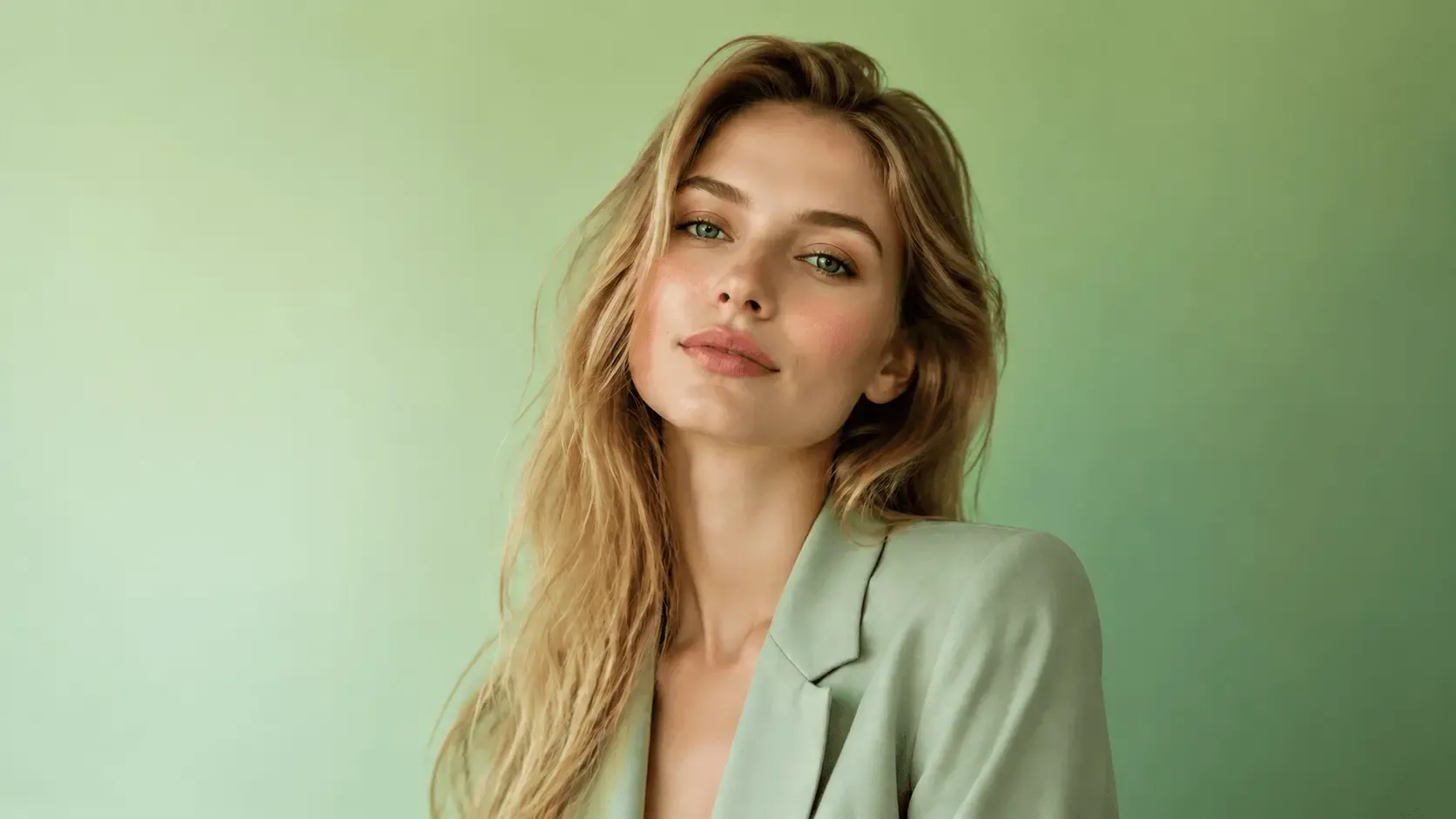
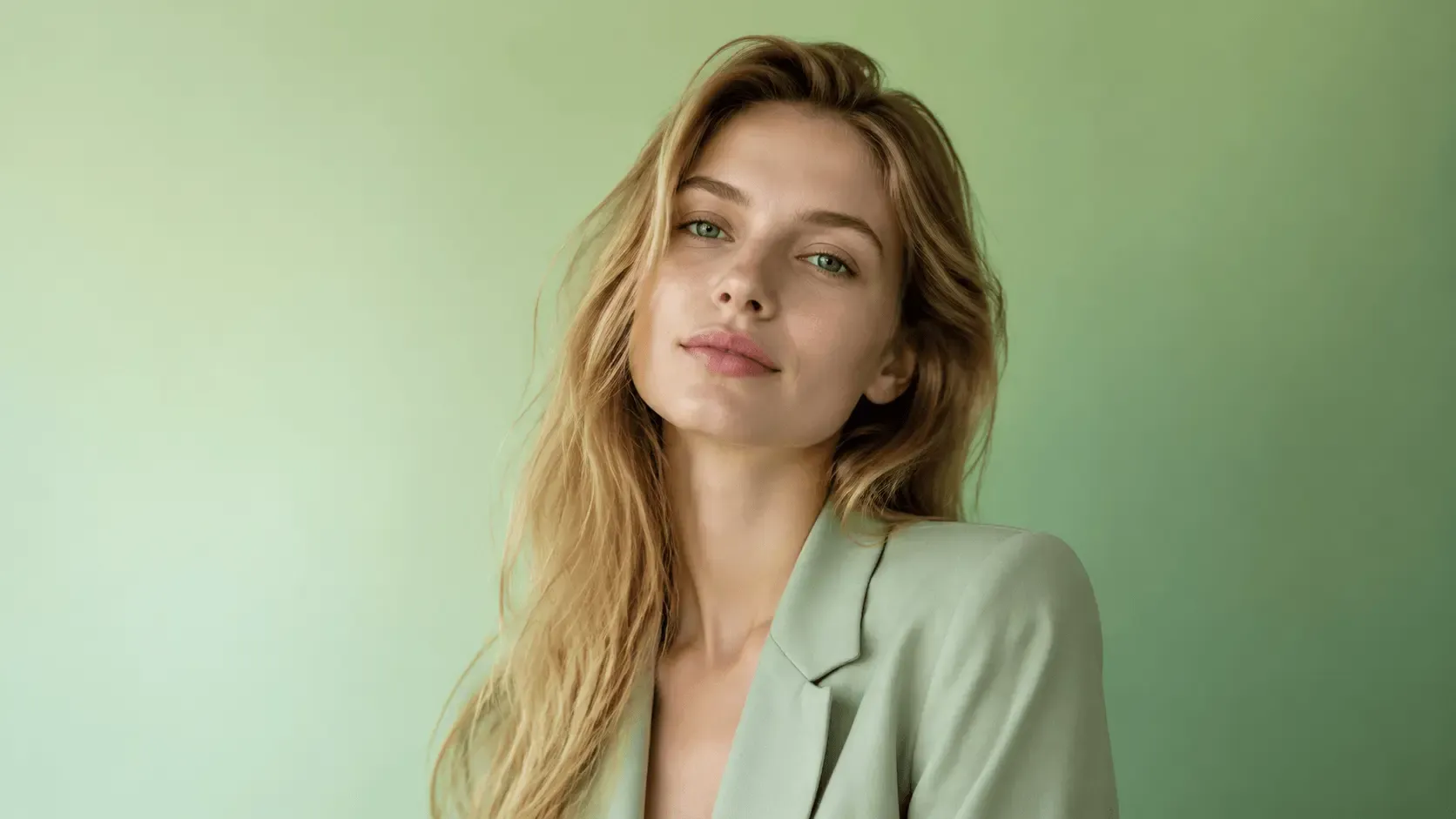
Generate makeups online for free with EaseUS AI Makeup Generator, and you can try different makeup looks instantly with AI. This virtual makeup try-on tool automatically detects facial features and applies realistic full-face makeup. Upload your portrait now and try makeups!
Before
After


Upload or Drop Files support any formats
Before
After
Detects Facial Features with AI for Precise Makeup
Important facial features, including eyes, lips, eyebrows, and facial contours, are automatically recognized by the EaseUS AI makeup creator. Advanced AI models apply cosmetics precisely where they should, based on the specific location and dimensions of each region.
In contrast to basic filters, makeup is applied based on the face's actual structure, ensuring precise alignment without distortion or misalignment.
Try It Free
Before
After
Generate Natural & Realistic Makeup Results
Rather than overpowering your original shot with dramatic effects, the makeup looks seamless. To keep the outcome as near to the actual makeup as possible, skin texture, lighting, and facial characteristics are maintained.
Instead of viewing a fake or exaggerated visual effect, this makeup generator lets you virtually try on makeup and see how it would look in real life.
Try It Free
Before
After
Complete Makeup Coverage with Balanced Eye, Lip, and Face Makeup
EaseUS AI makeup look generator creates a full-face makeup look by coordinating eye, lip, and base makeup. Each element is applied in balance to maintain a consistent style across the entire face.
The result is a cohesive makeup preview that avoids color mismatches or uneven intensity across facial areas.
Try It Free
Before
After
Try & Compare Multiple Makeup Styles in One Photo
With just one uploaded photo, you can experiment with different cosmetic makeup looks. You can quickly switch between multiple styles to compare outcomes and determine which one best fits you.
This eliminates the need to reapply makeup or upload multiple photos, making it simple to try new looks, preview trends, or plan a look.
Try It Free
Before
After
Makeup Previews That Work Across All Skin Tones and Use Scenarios
From light to deep skin tones, this EaseUS AI makeup generator automatically modifies makeup colors and intensities. Overexposure and color distortion are avoided, keeping results natural and balanced.
The tool provides dependable, consistent makeup previews across a range of use cases, including testing everyday makeup, preparing for a big occasion, creating beauty content, and experimenting with new looks for personal inspiration.
Try It Free
User Guide: EaseUS Online AI Makeup Generator
Step 1. Upload Your Photos
Step 2. Generate Makeup with AI
Step 3. Download Generated Photos
Why Choose Fixo AI to Enhance Images?
Powerful AI model
It integrates multiple AI image processing models, and there is always one that can solve your problem!
Fast speed
On average, a picture can be processed in just 10 seconds. It is fast and of high quality.
One-click processing
The operation is simple. Just click one button to handle it. No complicated procedures are required. You can obtain the photos you desire.
What Our Users Say?

Mia Carter
Fixo has become my go-to AI editing tool for all things photos! As a blogger who needs quick, professional results, I love that it's web-based—no downloads or complicated setups. The old photo restoration feature worked miracles on my grandma's faded, scratched portrait: it fixed cracks, added natural colors, and sharpened details without making it look over-edited.

Liam Henderson
I'm blown away by Fixo's AI power! I used it to unblur a blurry concert photo and remove an annoying photobomber—both tasks done seamlessly in seconds. The web interface is clean and intuitive, so I never feel lost navigating tools. What stands out most is the color correction: it balanced the harsh stage lights perfectly, making the image look vibrant but realistic.

Sophia Torres
Fixo turned my ordinary selfies into stunning portraits! I also tried the anime style transfer, and the result was so detailed and fun, I shared it everywhere. As someone who's not tech-savvy, I appreciate how simple it is: upload, select a tool, and let AI do the work. The web version loads fast, even with high-res photos, and downloading watermark-free results is a huge plus.

Ethan Wilson
I can't thank Fixo enough for restoring my parents' wedding photos. They were black-and-white, faded, and full of small tears, but Fixo's AI repaired every flaw and added lifelike colors that feel true to the era. The process was effortless—just drag and drop the photo, pick the restoration tool, and wait a minute.

Olivia Bennett
As a small business owner, I need to make product photos look polished without hiring a designer. Fixo's AI enhancement and background removal tools are game-changers. It sharpens product details, fixes lighting issues, and removes messy backgrounds in one click—all through the web, so I don't clog up my computer.

Mia Carter
Fixo has become my go-to AI editing tool for all things photos! As a blogger who needs quick, professional results, I love that it's web-based—no downloads or complicated setups. The old photo restoration feature worked miracles on my grandma's faded, scratched portrait: it fixed cracks, added natural colors, and sharpened details without making it look over-edited.

Liam Henderson
I'm blown away by Fixo's AI power! I used it to unblur a blurry concert photo and remove an annoying photobomber—both tasks done seamlessly in seconds. The web interface is clean and intuitive, so I never feel lost navigating tools. What stands out most is the color correction: it balanced the harsh stage lights perfectly, making the image look vibrant but realistic.

Sophia Torres
Fixo turned my ordinary selfies into stunning portraits! I also tried the anime style transfer, and the result was so detailed and fun, I shared it everywhere. As someone who's not tech-savvy, I appreciate how simple it is: upload, select a tool, and let AI do the work. The web version loads fast, even with high-res photos, and downloading watermark-free results is a huge plus.

Ethan Wilson
I can't thank Fixo enough for restoring my parents' wedding photos. They were black-and-white, faded, and full of small tears, but Fixo's AI repaired every flaw and added lifelike colors that feel true to the era. The process was effortless—just drag and drop the photo, pick the restoration tool, and wait a minute.

Olivia Bennett
As a small business owner, I need to make product photos look polished without hiring a designer. Fixo's AI enhancement and background removal tools are game-changers. It sharpens product details, fixes lighting issues, and removes messy backgrounds in one click—all through the web, so I don't clog up my computer.