
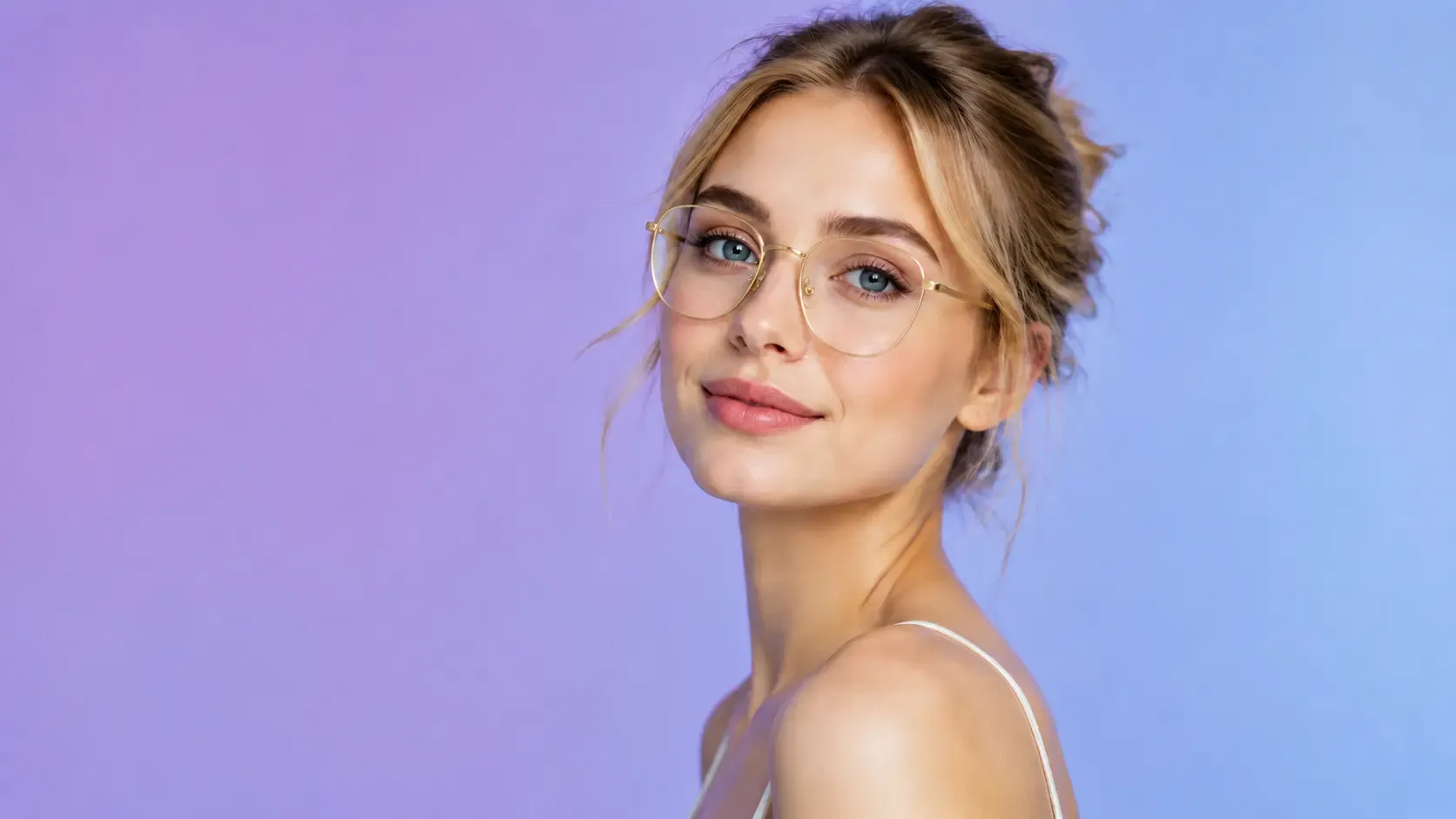

Before
After
Instant One-Photo Upload - No Video, No Camera Hassle
You don't need to record awkward videos or sit in front of a live camera. Fixo's streamlined photo glasses try on tool works with a single portrait. Just pick your favorite selfie or headshot from your gallery and upload it.
Our lightweight AI Image Beautifier instantly processes the static image and prepares it for fitting. This is the fastest way to try on glasses virtually online - no video lag, no unstable lighting, and no intrusive camera permissions. Just a clean, simple upload and you're ready to explore hundreds of styles.
Try It Free
Before
After
Advanced 2D Face Landmark Anchoring
Older simulators often make glasses look like stickers pasted on your face. Fixo changes that. Our AI eyewear try on algorithm scans your facial geometry even from a 2D photo.
It identifies key anchor points: your brow line, eye center, and nose bridge. Then it automatically adjusts the tilt, spacing, and pupillary distance of the virtual frames.
This deep anchoring makes every pair of glasses fit your unique proportions naturally - just like wearing them in real life. No awkward floating, just realistic alignment.
It identifies key anchor points: your brow line, eye center, and nose bridge. Then it automatically adjusts the tilt, spacing, and pupillary distance of the virtual frames.
This deep anchoring makes every pair of glasses fit your unique proportions naturally - just like wearing them in real life. No awkward floating, just realistic alignment.
Try It Free
Before
After
Curated Palette of 9 Iconic Frame Styles
Too many choices can be overwhelming. Fixo solves this by offering a carefully selected collection of 9 iconic eyewear styles.
You get sharp rectangle opticals, intellectual round frames, retro aviator sunglasses, bold geometric designs, and more. Whether you need everyday prescription glasses or chic summer shades, this targeted lineup lets you toggle through different aesthetics in seconds.
No endless scrolling, no decision fatigue. Just quick, clear comparisons that help you refine your personal style effortlessly.
You get sharp rectangle opticals, intellectual round frames, retro aviator sunglasses, bold geometric designs, and more. Whether you need everyday prescription glasses or chic summer shades, this targeted lineup lets you toggle through different aesthetics in seconds.
No endless scrolling, no decision fatigue. Just quick, clear comparisons that help you refine your personal style effortlessly.
Try It Free
Before
After
High-Definition Texture Metamorphosis
Our best free virtual eyewear simulator cares about photo quality. When you select a frame, the AI doesn't just slap on a graphic. It blends the glasses texture with the original lighting of your photo.
The tool automatically adds subtle frame shadows under your eyes and on your nose bridge, plus soft transparent reflections on the lenses. This attention to static depth makes your final portrait look authentic and professional.
Try It Free
Before
After
No Video Required - Just a Single Portrait for Full Try-On
Some tools force you to record videos or turn your head in real time. Fixo works differently. Our photo glasses try on tool needs only one high-quality portrait.
Once uploaded, the AI maps your facial features and lets you switch between frames instantly. This means you can try on dozens of styles without re-recording or adjusting your lighting.
It's perfect for shy users, busy shoppers, or anyone who just wants a quick, private way to experiment with new eyewear looks.
Once uploaded, the AI maps your facial features and lets you switch between frames instantly. This means you can try on dozens of styles without re-recording or adjusting your lighting.
It's perfect for shy users, busy shoppers, or anyone who just wants a quick, private way to experiment with new eyewear looks.
Try It Free
User Guide: EaseUS Online AI Eyewear
Step 1. Upload Your Photo
Step 2. Choose and Wear Glasses with AI
Step 3. Download the Photos You like
Why Choose Fixo AI to Enhance Images?
Powerful AI model
It integrates multiple AI image processing models, and there is always one that can solve your problem!
Fast speed
On average, a picture can be processed in just 10 seconds. It is fast and of high quality.
One-click processing
The operation is simple. Just click one button to handle it. No complicated procedures are required. You can obtain the photos you desire.
What Our Users Say?
Fixo has become my go-to AI editing tool for all things photos! As a blogger who needs quick, professional results, I love that it's web-based—no downloads or complicated setups. The old photo restoration feature worked miracles on my grandma's faded, scratched portrait: it fixed cracks, added natural colors, and sharpened details without making it look over-edited.

Mia Carter
Blogger
I'm blown away by Fixo's AI power! I used it to unblur a blurry concert photo and remove an annoying photobomber—both tasks done seamlessly in seconds. The web interface is clean and intuitive, so I never feel lost navigating tools. What stands out most is the color correction: it balanced the harsh stage lights perfectly, making the image look vibrant but realistic.

Liam Henderson
Event Photographer
Fixo turned my ordinary selfies into stunning portraits! I also tried the anime style transfer, and the result was so detailed and fun, I shared it everywhere. As someone who's not tech-savvy, I appreciate how simple it is: upload, select a tool, and let AI do the work. The web version loads fast, even with high-res photos, and downloading watermark-free results is a huge plus.

Sophia Torres
Graphic Designer
I can't thank Fixo enough for restoring my parents' wedding photos. They were black-and-white, faded, and full of small tears, but Fixo's AI repaired every flaw and added lifelike colors that feel true to the era. The process was effortless—just drag and drop the photo, pick the restoration tool, and wait a minute.

Ethan Wilson
Photographer
As a small business owner, I need to make product photos look polished without hiring a designer. Fixo's AI enhancement and background removal tools are game-changers. It sharpens product details, fixes lighting issues, and removes messy backgrounds in one click—all through the web, so I don't clog up my computer.

Olivia Bennett
Small business owner
Fixo has become my go-to AI editing tool for all things photos! As a blogger who needs quick, professional results, I love that it's web-based—no downloads or complicated setups. The old photo restoration feature worked miracles on my grandma's faded, scratched portrait: it fixed cracks, added natural colors, and sharpened details without making it look over-edited.

Mia Carter
Blogger
I'm blown away by Fixo's AI power! I used it to unblur a blurry concert photo and remove an annoying photobomber—both tasks done seamlessly in seconds. The web interface is clean and intuitive, so I never feel lost navigating tools. What stands out most is the color correction: it balanced the harsh stage lights perfectly, making the image look vibrant but realistic.

Liam Henderson
Event Photographer
Fixo turned my ordinary selfies into stunning portraits! I also tried the anime style transfer, and the result was so detailed and fun, I shared it everywhere. As someone who's not tech-savvy, I appreciate how simple it is: upload, select a tool, and let AI do the work. The web version loads fast, even with high-res photos, and downloading watermark-free results is a huge plus.

Sophia Torres
Graphic Designer
I can't thank Fixo enough for restoring my parents' wedding photos. They were black-and-white, faded, and full of small tears, but Fixo's AI repaired every flaw and added lifelike colors that feel true to the era. The process was effortless—just drag and drop the photo, pick the restoration tool, and wait a minute.

Ethan Wilson
Photographer
As a small business owner, I need to make product photos look polished without hiring a designer. Fixo's AI enhancement and background removal tools are game-changers. It sharpens product details, fixes lighting issues, and removes messy backgrounds in one click—all through the web, so I don't clog up my computer.

Olivia Bennett
Small business owner


