






Before
After

Precise Body Proportion Adjustment with Advanced AI Models
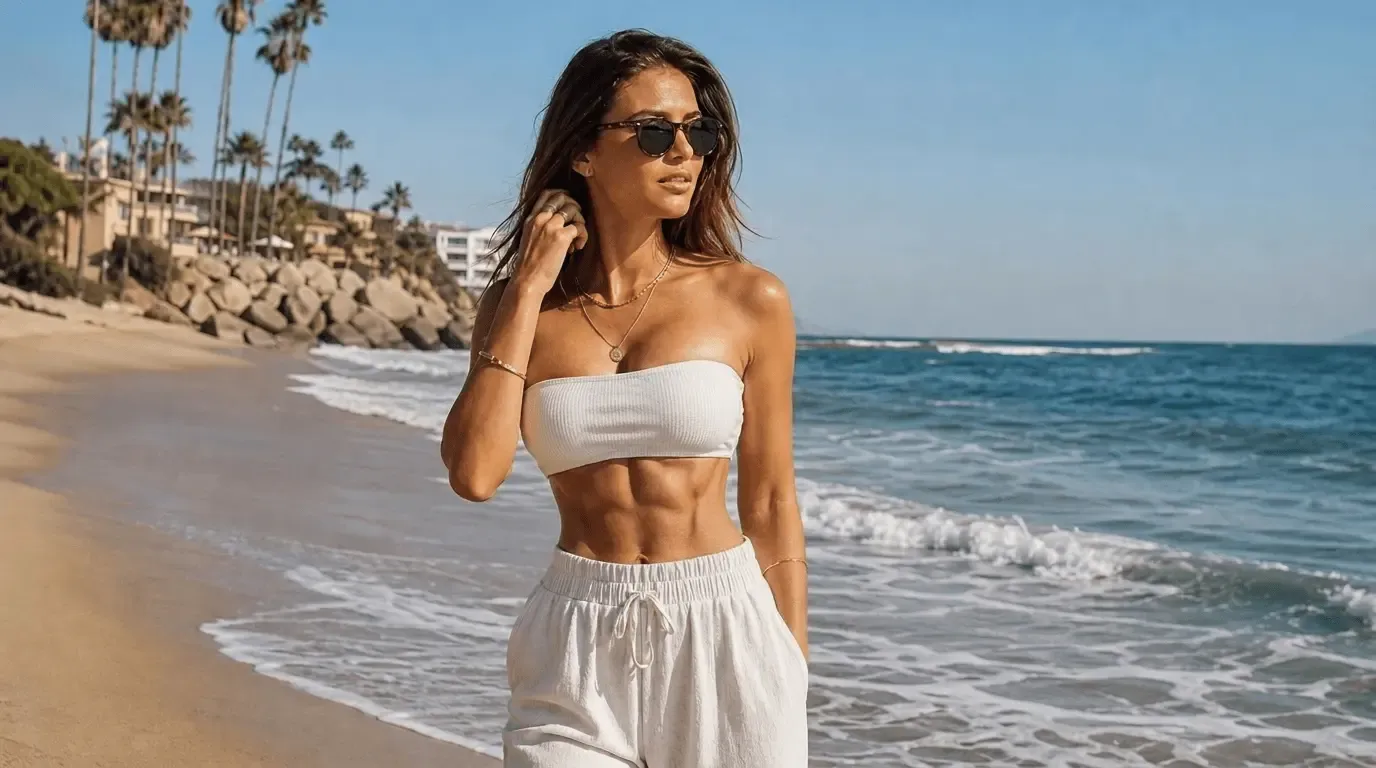
By using EaseUS' advanced AI to recognize human contours, this free body editor lets users adjust every body part precisely. The AI intelligently recognizes these areas, whether they are the shoulders, arms, legs, or waist, enabling autonomous modifications without impacting other areas. This preserves realistic body proportions and guarantees a balanced, natural appearance.
With minimal effort, you can achieve professional-level results, improve posture, and enhance your pictures.
With minimal effort, you can achieve professional-level results, improve posture, and enhance your pictures.
Try It Free
Before
After
Targeted Body Part Enhancement with No Watermarks
You can precisely improve specific body parts with EaseUS body enhancer. You may achieve a natural, balanced appearance by toning your arms, slimming your waist, lifting and shaping your glutes, and refining your thighs using AI-powered detection. Fitness enthusiasts can showcase their shoulders, biceps, and abs by subtly enhancing muscle definition.
Modifications to the back, chest, or posture enhance general poise and alignment. Realistic proportions are maintained in every edit, preventing distortion and highlighting your greatest features.
Modifications to the back, chest, or posture enhance general poise and alignment. Realistic proportions are maintained in every edit, preventing distortion and highlighting your greatest features.
Try It Free
Before
After
Offer Natural & Realistic Body Retouching for Free
Your selfies will appear naturally enhanced without losing authenticity thanks to this watermark-free body editor. While maintaining the original textures and backgrounds, sophisticated AI gently corrects posture, smooths curves, and improves body proportions. You never have to worry about overly processed outcomes because each edit reduces false traces while preserving a natural appearance.
EaseUS face and body editor is ideal for social media, as it lets you publish your photos with confidence, knowing they appear natural and attractive, with no obvious AI artifacts or distortion.
EaseUS face and body editor is ideal for social media, as it lets you publish your photos with confidence, knowing they appear natural and attractive, with no obvious AI artifacts or distortion.
Try It Free
Before
After
Ideal Body Editor for Everyone, Any Situation
From casual social media users to expert photographers and content producers, this body editor is made for everyone. The tool adapts to your needs, whether you want to improve selfies, model photos, fitness progress photos, or promotional images. It is simple for students, influencers, fitness enthusiasts, or fashion bloggers to modify body proportions, shape curves, and improve posture. It is a flexible body enhancer for all photo scenarios and user types, enabling anyone to achieve natural, pleasing results with its easy-to-use, AI-powered editing.
Try It Free
Before
After
Simple to Use, High-Resolution Results
It provides an easy-to-use editing experience suitable for all users. Open the web-based editor to begin improving your photos right now; no program downloads are needed.
Body Editor consistently produces high-resolution output for social media, personal portfolios, and creative projects. It combines simple usability with precise, transparent results for a seamless photo-editing experience.
Body Editor consistently produces high-resolution output for social media, personal portfolios, and creative projects. It combines simple usability with precise, transparent results for a seamless photo-editing experience.
Try It Free
User Guide: EaseUS Online Body Editor
Step 1. Upload Your Photos
Step 2. Edit Your Body Shape
Step 3. Download Generated Photos
Why Choose Fixo AI Tool to Edit Body Shape?

Powerful AI model
It integrates multiple AI image processing models, and there is always one that can solve your problem!

Fast speed
On average, a picture can be processed in just 10 seconds. It is fast and of high quality.

One-click processing
The operation is simple. Just click one button to handle it. No complicated procedures are required. You can obtain the photos you desire.
What Our Users Say?

Mia Carter


Fixo has become my go-to AI editing tool for all things photos! As a blogger who needs quick, professional results, I love that it's web-based—no downloads or complicated setups. The old photo restoration feature worked miracles on my grandma's faded, scratched portrait: it fixed cracks, added natural colors, and sharpened details without making it look over-edited.

Liam Henderson

I'm blown away by Fixo's AI power! I used it to unblur a blurry concert photo and remove an annoying photobomber—both tasks done seamlessly in seconds. The web interface is clean and intuitive, so I never feel lost navigating tools. What stands out most is the color correction: it balanced the harsh stage lights perfectly, making the image look vibrant but realistic.

Sophia Torres
Fixo turned my ordinary selfies into stunning portraits! I also tried the anime style transfer, and the result was so detailed and fun, I shared it everywhere. As someone who's not tech-savvy, I appreciate how simple it is: upload, select a tool, and let AI do the work. The web version loads fast, even with high-res photos, and downloading watermark-free results is a huge plus.

Ethan Wilson
I can't thank Fixo enough for restoring my parents' wedding photos. They were black-and-white, faded, and full of small tears, but Fixo's AI repaired every flaw and added lifelike colors that feel true to the era. The process was effortless—just drag and drop the photo, pick the restoration tool, and wait a minute.

Olivia Bennett
As a small business owner, I need to make product photos look polished without hiring a designer. Fixo's AI enhancement and background removal tools are game-changers. It sharpens product details, fixes lighting issues, and removes messy backgrounds in one click—all through the web, so I don't clog up my computer.
Mia Carter
Fixo has become my go-to AI editing tool for all things photos! As a blogger who needs quick, professional results, I love that it's web-based—no downloads or complicated setups. The old photo restoration feature worked miracles on my grandma's faded, scratched portrait: it fixed cracks, added natural colors, and sharpened details without making it look over-edited.
Liam Henderson
I'm blown away by Fixo's AI power! I used it to unblur a blurry concert photo and remove an annoying photobomber—both tasks done seamlessly in seconds. The web interface is clean and intuitive, so I never feel lost navigating tools. What stands out most is the color correction: it balanced the harsh stage lights perfectly, making the image look vibrant but realistic.
Sophia Torres
Fixo turned my ordinary selfies into stunning portraits! I also tried the anime style transfer, and the result was so detailed and fun, I shared it everywhere. As someone who's not tech-savvy, I appreciate how simple it is: upload, select a tool, and let AI do the work. The web version loads fast, even with high-res photos, and downloading watermark-free results is a huge plus.
Ethan Wilson
I can't thank Fixo enough for restoring my parents' wedding photos. They were black-and-white, faded, and full of small tears, but Fixo's AI repaired every flaw and added lifelike colors that feel true to the era. The process was effortless—just drag and drop the photo, pick the restoration tool, and wait a minute.
Olivia Bennett
As a small business owner, I need to make product photos look polished without hiring a designer. Fixo's AI enhancement and background removal tools are game-changers. It sharpens product details, fixes lighting issues, and removes messy backgrounds in one click—all through the web, so I don't clog up my computer.
Free Body Editor FAQs

1. What is Body Editor?
2. Can I naturally lengthen my legs using this tool?
3. Can someone without Photoshop experience use this body editor?
4. Are uploaded photos safe?
5. Will body edits distort the background?
6. Is this tool suitable for all body types?